On iOS
1. Open Safari
Due to iOS restrictions our app can only be installed from Safari. Please ensure you are using the Safari mobile app that came pre-installed on your device.
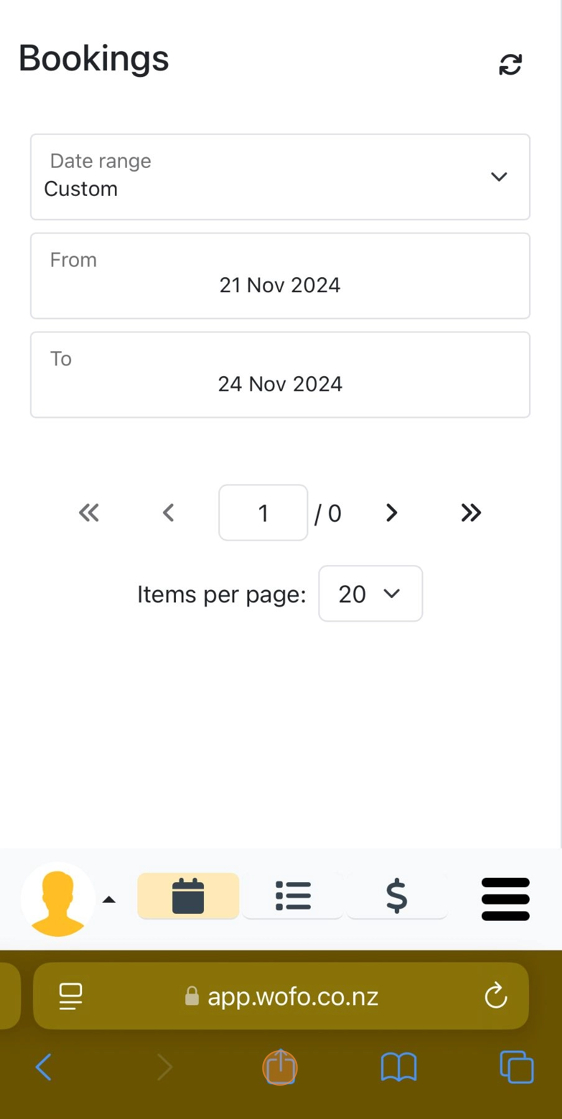
4. Tap "Add to Home Screen".

5. Tap "Add".


1. Open Safari
Due to iOS restrictions our app can only be installed from Safari. Please ensure you are using the Safari mobile app that came pre-installed on your device.
4. Tap "Add to Home Screen".
5. Tap "Add".